FontCrafter - Browser-Based Font Generator
Convert handwritten text into custom font files directly in your browser with zero data upload.
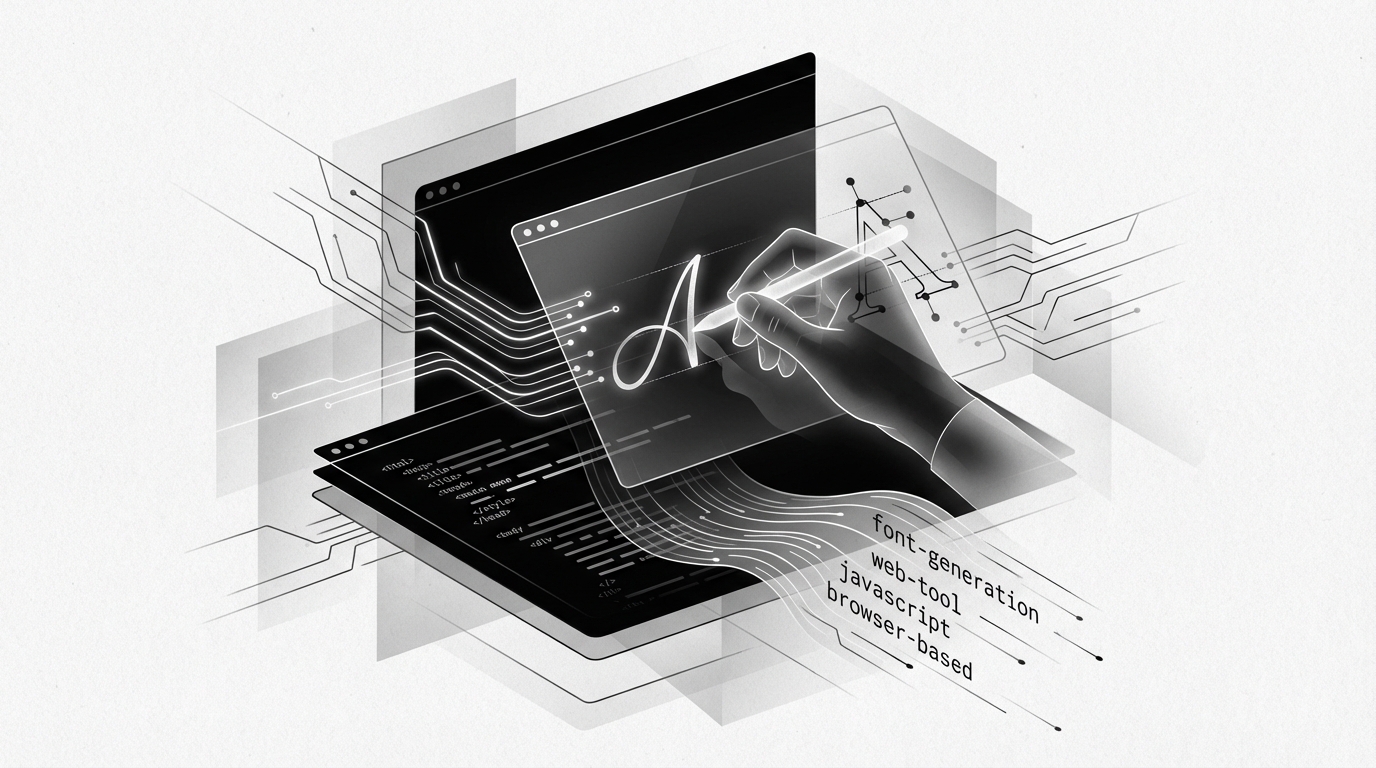
FontCrafter: Turn Your Handwriting Into a Real Font — Entirely in Your Browser
No uploads. No accounts. No paywalls. Just pure browser-based font magic.
If you've ever wanted to immortalize your handwriting as a usable font — for personal projects, branding, creative coding, or AI-generated document aesthetics — you've probably run into the same wall: most tools either cost money, require a signup, or quietly ship your handwriting samples off to some remote server. FontCrafter blows that wall down entirely.
FontCrafter is a free, browser-based handwriting-to-font converter that runs 100% on the client side using JavaScript. You write your letters, it builds your font, and you walk away with production-ready .otf, .ttf, or .woff2 files — without a single byte of your handwriting leaving your device.
For developers and AI engineers who care about privacy, offline capability, and frictionless tooling, this is the kind of utility that belongs in your permanent toolkit.
How It Works: The Browser-Side Pipeline
FontCrafter's architecture is what makes it genuinely impressive from a technical standpoint. The entire font generation pipeline lives in the browser — no backend, no API calls, no cloud dependency.
Here's the general flow:
- Open the web app in any modern browser
- Write or scan your letters using the provided template sheet
- Upload or capture the sheet (locally — it never leaves your machine)
- FontCrafter processes the image entirely in-browser using JavaScript
- Export your finished font in
.otf,.ttf, or.woff2format
The fact that this is achieved with client-side JavaScript alone is noteworthy. Modern browser APIs — including the Canvas API, File API, and WebAssembly-powered glyph rasterization — make it possible to do what once required heavyweight desktop software like Glyphs or FontLab.
Under the hood, the tool likely leverages libraries such as opentype.js or similar font-building engines compiled to run natively in-browser, handling the complex task of translating pixel data into proper vector glyph outlines, kerning tables, and Unicode mapping.
Privacy First, by Design
This is worth emphasizing for developers building privacy-conscious applications or working in regulated environments:
- Zero data upload — your handwriting samples are processed entirely on your local machine
- No account required — no email, no OAuth, no tracking cookies tied to your identity
- No feature gating — the free tier is the full product
In an era where "free tools" often mean "you are the product," FontCrafter's architecture is a refreshing exception. If you're building internal tooling for a healthcare, legal, or financial context where data sovereignty matters, client-side processing like this isn't just convenient — it's sometimes a compliance requirement.
Advanced Features: More Than Just Alphabet Mapping
What separates FontCrafter from a simple glyph-scanning tool is its support for features typically found only in professional font editors.
Automatic Ligature Generation
FontCrafter automatically generates ligatures for common letter pairs:
ff— double ffi— f followed by ith— th digraphst— st combination
Ligatures are special combined glyphs that replace two adjacent characters for a more natural, typographically correct appearance. In real handwriting, you rarely lift your pen between these pairs — and FontCrafter encodes that behavior directly into the font's OpenType feature tables.
This means when your font is used in a CSS-enabled context, enabling ligatures is as simple as:
.handwritten {
  font-family: 'MyCustomFont', cursive;
  font-feature-settings: "liga" 1, "clig" 1;
  text-rendering: optimizeLegibility;
}
Contextual Alternates for Realistic Variation
One of the most impressive features is contextual substitution — the ability to include multiple variants of the same glyph and swap between them based on surrounding characters or pseudo-random rules.
Real handwriting is never perfectly consistent. The letter "a" you write at the start of a word looks slightly different from the one you write mid-sentence. FontCrafter mimics this by encoding alternate glyph variants and using OpenType's calt (Contextual Alternates) feature to cycle through them dynamically.
The result? A font that reads like handwriting, not like a stamped pattern repeated ad nauseam.
For developers embedding handwriting-style fonts in generative AI outputs, procedural document design, or synthetic training data pipelines, this is a huge deal. It means your generated text will look statistically closer to authentic human handwriting — useful for:
- OCR training data generation — creating realistic handwritten samples at scale
- Document AI testing — stress-testing models against varied handwriting styles
- Creative coding & generative art — adding organic, human-feeling typography to algorithmic outputs
- Personal branding assets — embedding your actual signature style into PDFs, presentations, or web projects
Practical Use Cases for Developers and AI Engineers
Let's get concrete. Here are a few scenarios where FontCrafter earns its place in a developer's workflow:
1. Synthetic Handwriting Datasets
If you're training or fine-tuning a handwriting recognition model, you need diverse, labeled handwriting samples. By generating multiple font variants from different handwriting styles using FontCrafter, you can programmatically render text in those fonts and produce large synthetic datasets — all without hiring human annotators.
# Example: Render text using a custom .ttf font with Pillow
from PIL import Image, ImageDraw, ImageFont

font = ImageFont.truetype("my_handwriting.ttf", size=36)
img = Image.new("RGB", (400, 100), color="white")
draw = ImageDraw.Draw(img)
draw.text((10, 30), "Hello, world!", font=font, fill="black")
img.save("synthetic_sample.png")
2. Custom Font Embedding in Web Apps
Drop your exported .woff2 file into any web project and reference it via @font-face:
@font-face {
  font-family: 'MyHandwriting';
  src: url('/fonts/my_handwriting.woff2') format('woff2'),
       url('/fonts/my_handwriting.ttf') format('truetype');
  font-weight: normal;
  font-style: normal;
}
3. PDF Generation with Personalized Typography
Tools like ReportLab (Python), PDFKit (Node.js), or WeasyPrint all support custom .ttf fonts. FontCrafter lets you inject your own handwriting directly into automated document pipelines — think personalized certificates, contracts with signature-style headings, or bespoke invoices.
Conclusion
FontCrafter is one of those tools that quietly does something remarkable: it democratizes professional-grade font creation without compromising privacy, imposing paywalls, or requiring technical expertise beyond "open a browser tab."
For developers, it's a client-side architecture win — proof that complex creative pipelines can live entirely on the edge.
For AI engineers, it opens up practical workflows for synthetic data generation, document model testing, and handwriting simulation.
For everyone else, it means your handwriting — the one on your grocery lists, your sketchbooks, your Post-it notes — can become a real, working, shareable font in under fifteen minutes.
In a landscape saturated with tools that promise simplicity but hide complexity behind account walls and upgrade prompts, FontCrafter stands out by just... working. Completely. For free. Right now.
Go try it. Your future font is already in your hand — literally.
Source
Original post by @sitinme on X (Twitter): https://x.com/sitinme/status/2031366462607122599
Tags
Related Skills
CLI Tool Generator
Generate production-ready CLI tool skeletons in Bash or Python with argument parsing and completions.
Md Web
Convert markdown files into shareable web pages with a single click using Docsify rendering.
Happy Coder - Remote Claude Code Client
Open-source tool enabling remote access to Claude Code and Codex from mobile and web clients using CLI.
Related Articles
AI SaaS Indie Development Guide: Zero to $10K MRR
Comprehensive guide for indie developers building AI products, covering monetization strategies, traffic acquisition, and conversion optimization based on 300+ successful case studies.
Using Playwright MCP for DOM Structure Analysis
Developer shares experience using Playwright MCP to automate browser control and DOM parsing without manual selector analysis.
Mobile-Based Cloud Programming with AI Assistants
Developer shares approach to running multiple AI programming assistants on mobile via cloud infrastructure without needing a local computer.