How to Set Up Claude Cowork (Complete Playbook) — with Full Visuals
Republished and structured guide from Ruben Hassid on setting up Claude Cowork, including full extracted visuals and a practical 30-minute onboarding plan.
How to Set Up Claude Cowork (Complete Playbook)

Source: Ruben Hassid on X
Original author: @rubenhassid
This post republishes and restructures the original long-form X article with all key visuals.
Why Cowork Matters
If you switched from ChatGPT to Claude, but still use Claude like a normal chat box, you’re missing the main upgrade: Cowork.
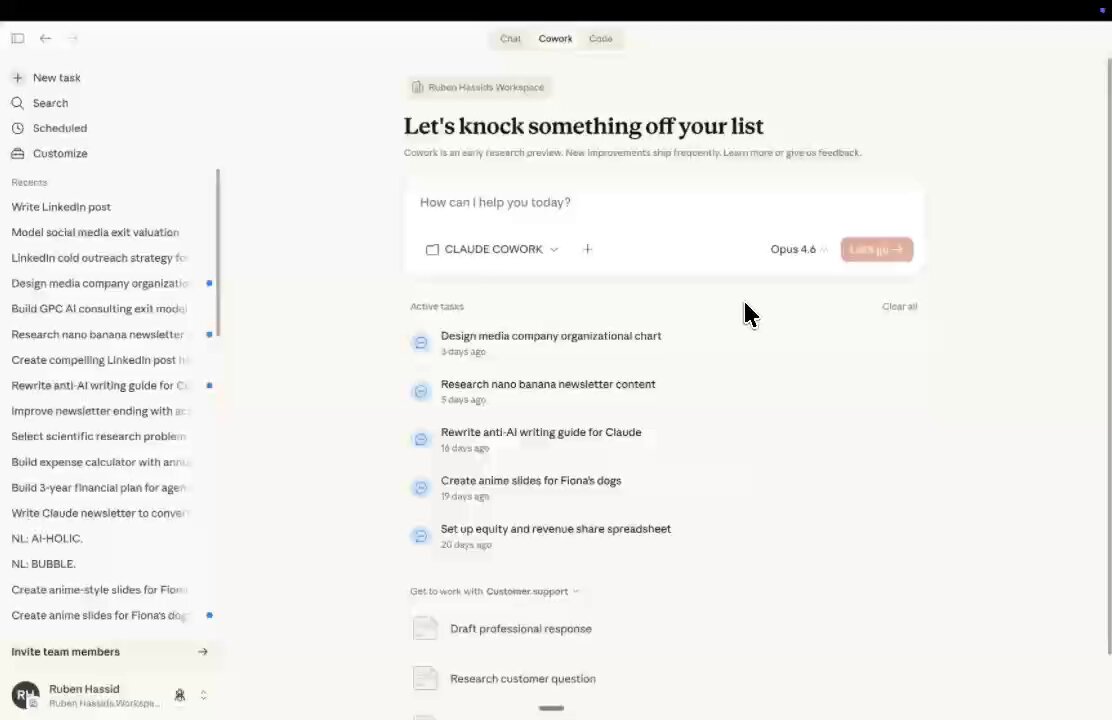
Cowork turns Claude into a file-aware operator:
- It reads your folders
- It asks clarifying questions
- It writes output files directly
- It supports plugins and connectors
The idea is simple: stop over-optimizing prompts, and start optimizing context files.
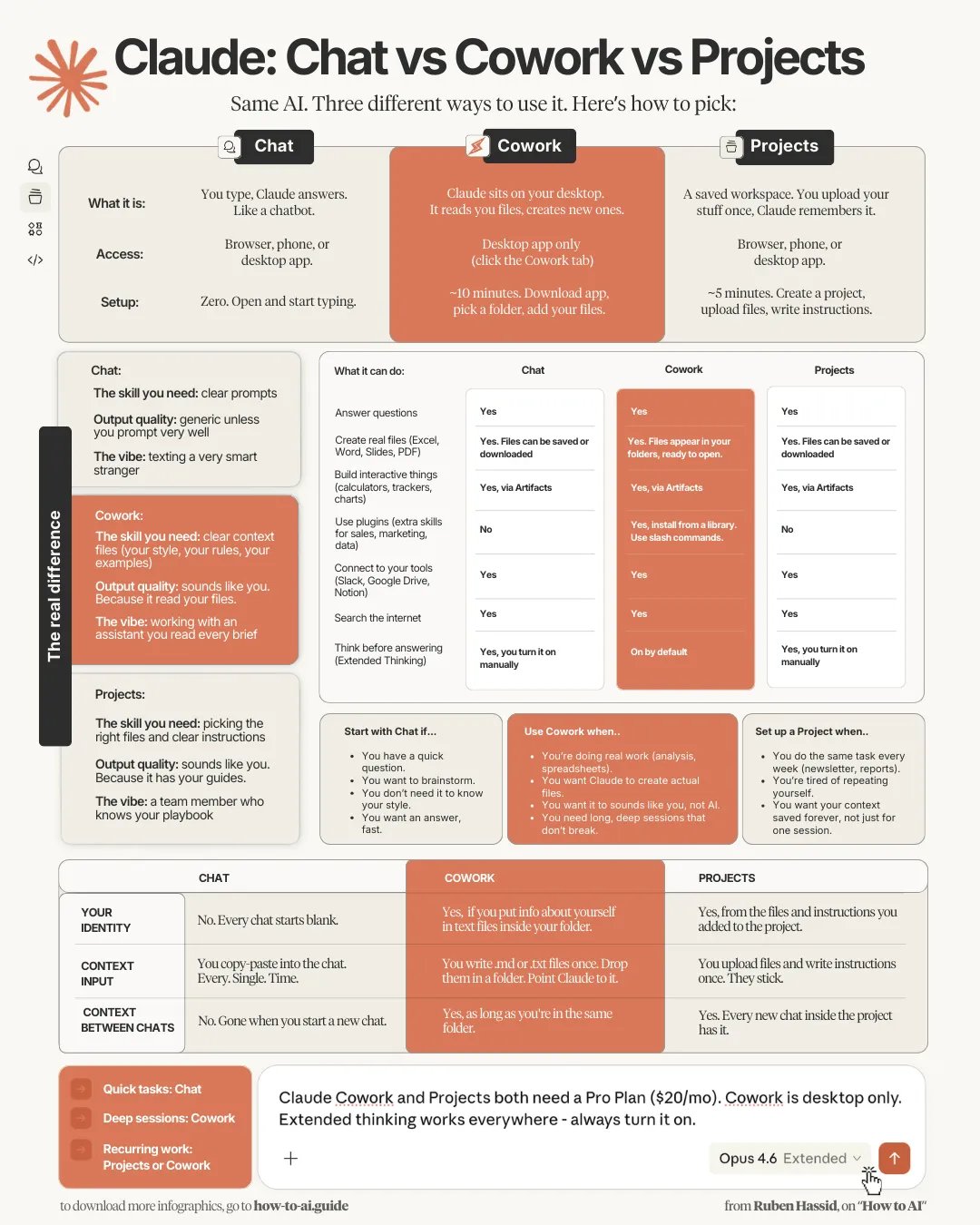
Claude Product Line (Quick Map)
- Claude Chat: standard chat interface
- Claude Projects: chat organized by project spaces
- Claude Code: coding-focused workflow for developers
- Claude Cowork: task workflow for knowledge workers
- Claude Skills: reusable workflows
- Claude Connectors: connect Claude to Slack/GDrive/Notion/etc.
- Claude Plugins: app-like extensions for specialized workflows
Step 1 — Install and Configure Cowork
- Download Claude desktop app:
claude.com/download - Use Pro plan (recommended in source article)
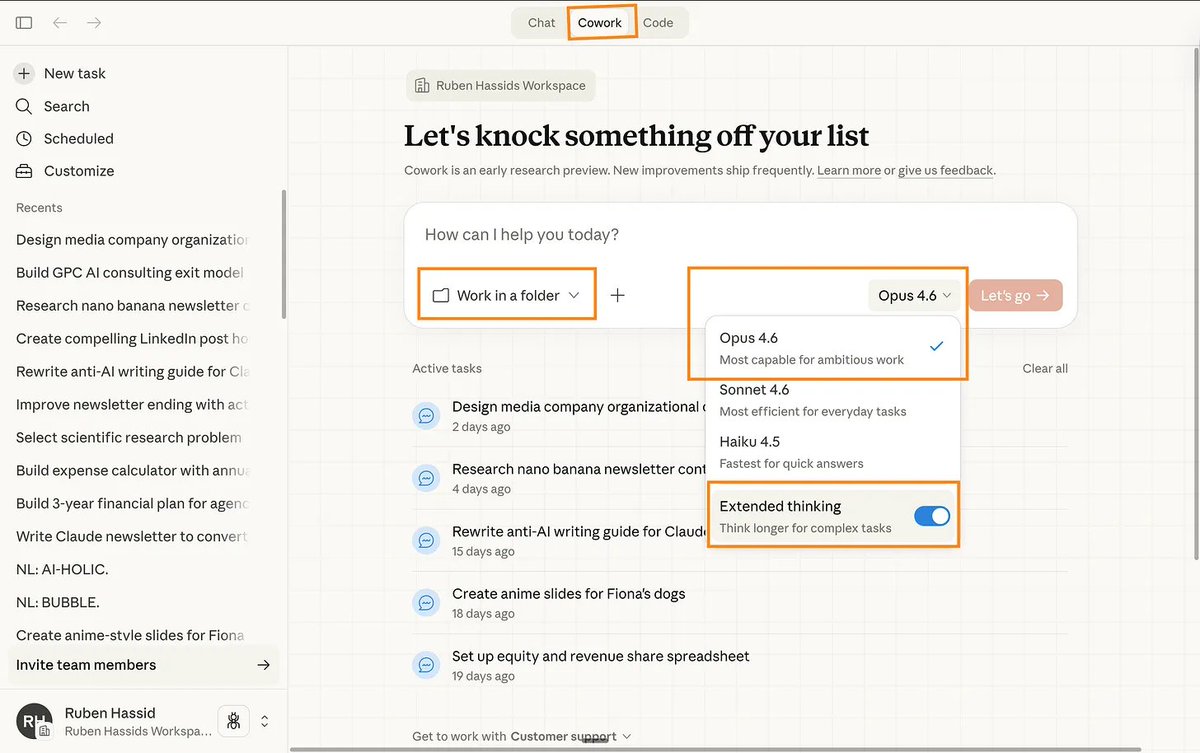
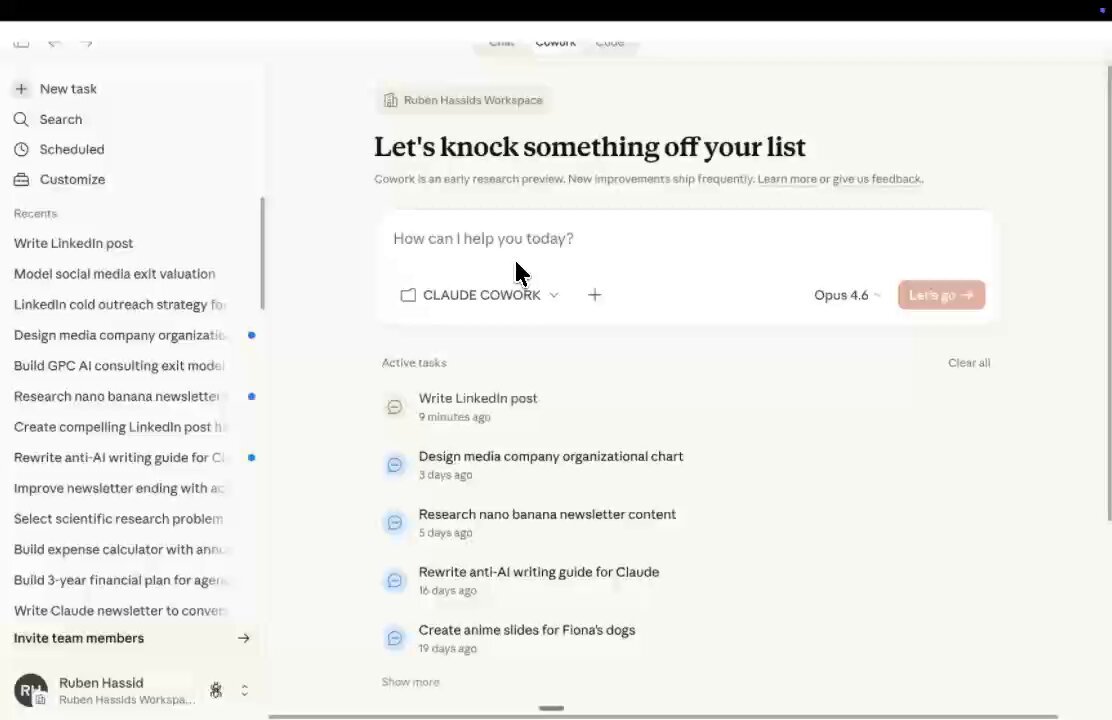
- Open Cowork tab
- Pick your working folder
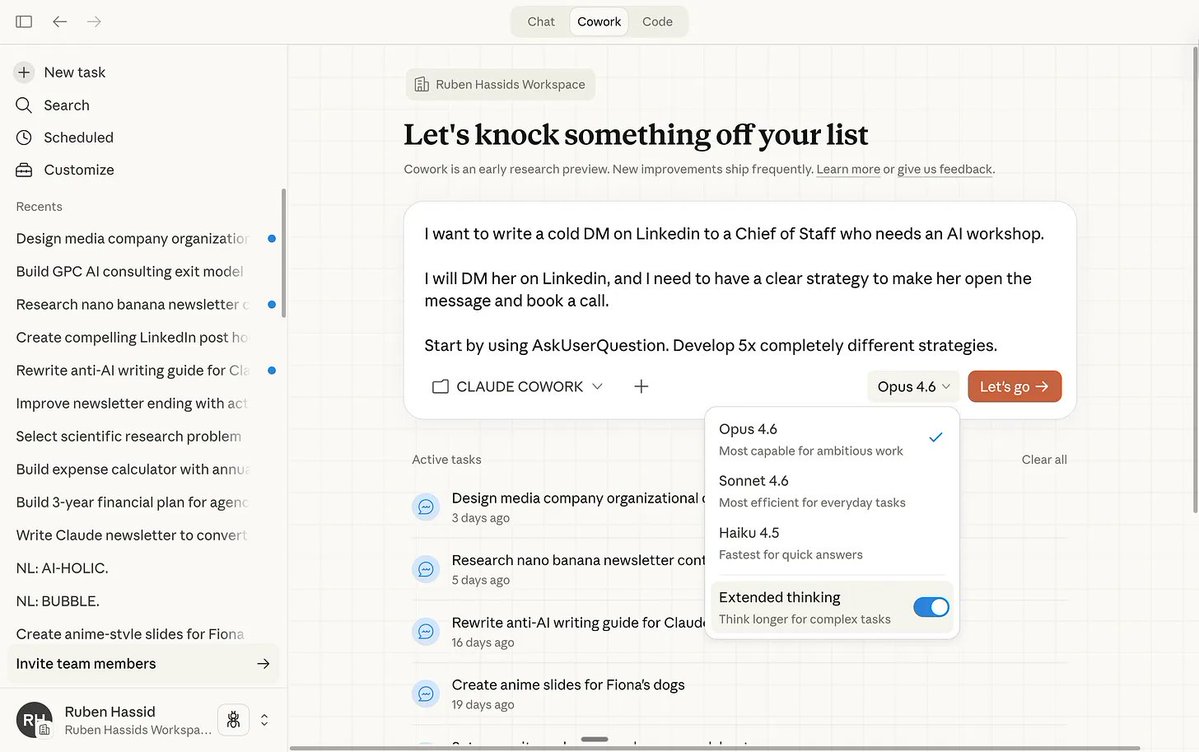
- Use Opus 4.6 + Extended thinking (as suggested in source)
Step 2 — Build Your Folder System
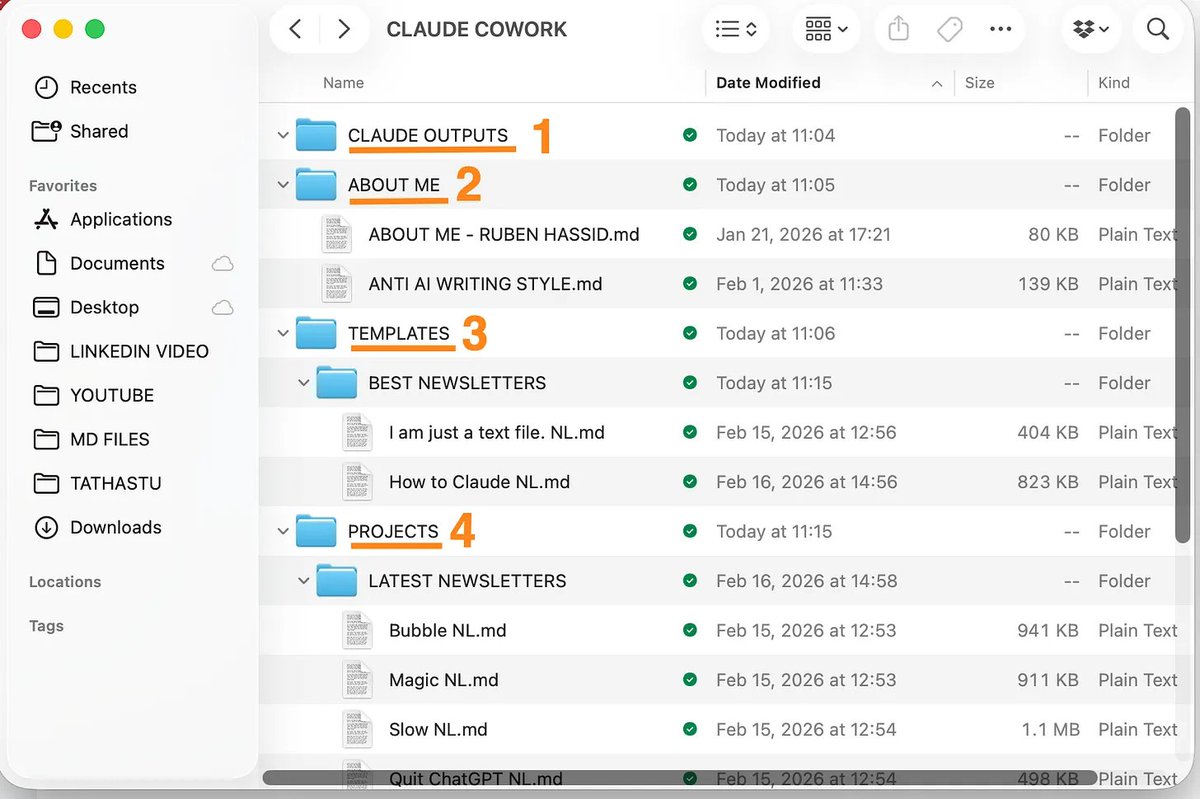
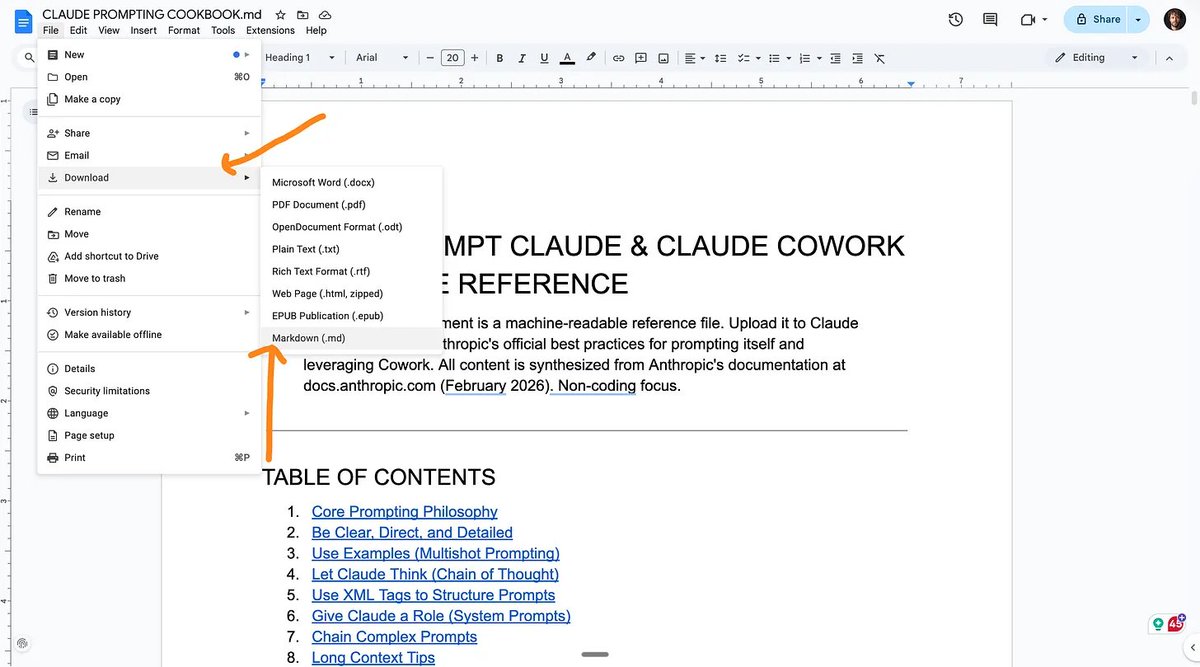
Create one parent folder (e.g., CLAUDE-COWORK) with four subfolders:
ABOUT ME/PROJECTS/TEMPLATES/CLAUDE OUTPUTS/
This keeps context clean and limits risk, because Cowork has read/write access to shared folders.
Step 3 — Create Core Markdown Files
Start with:
about-me.mdanti-ai-writing-style.md
Core principle:
- One strong, intentional markdown file beats dozens of random uploads
- High-quality context reduces prompt length and improves output consistency
Step 4 — Set Global Instructions Once
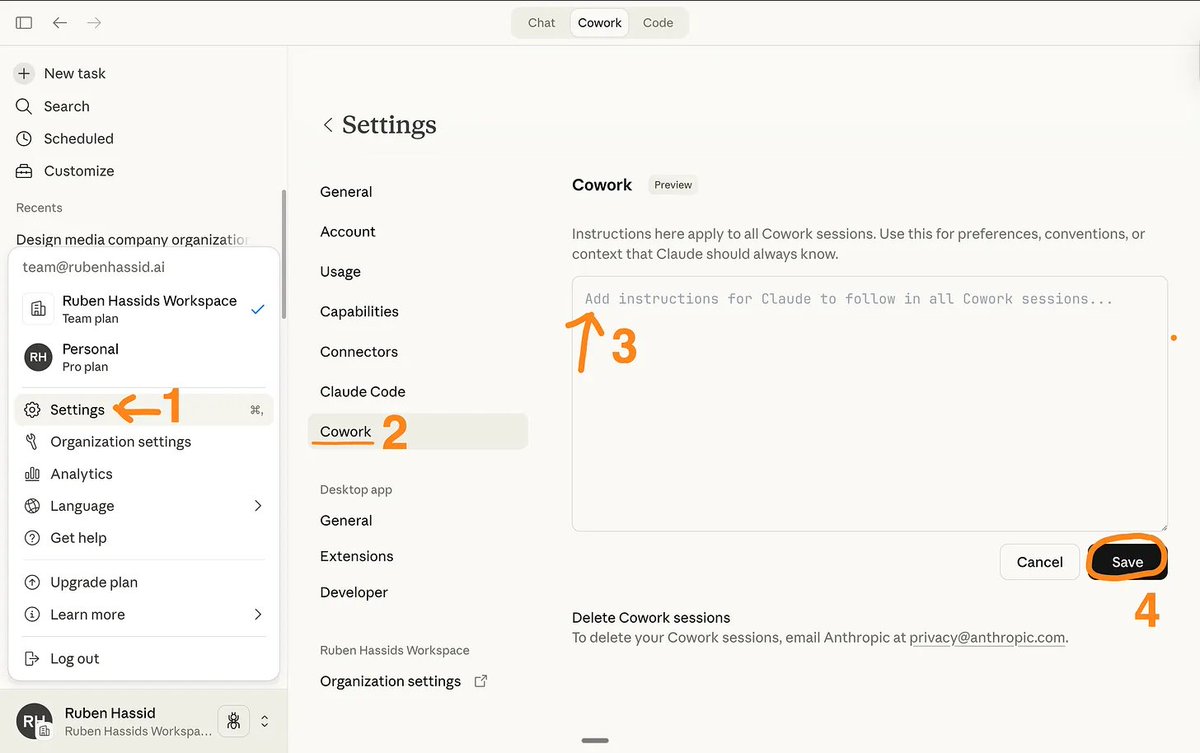
In Claude settings:
Settings → Cowork → Edit Global Instructions
Use persistent instructions for:
- What to read before every task
- Which folders are read-only
- Where to write outputs
- Naming conventions
- Clarification behavior (ask questions before execution)
Core Prompt Pattern (High-Leverage)
A reusable pattern from the article:
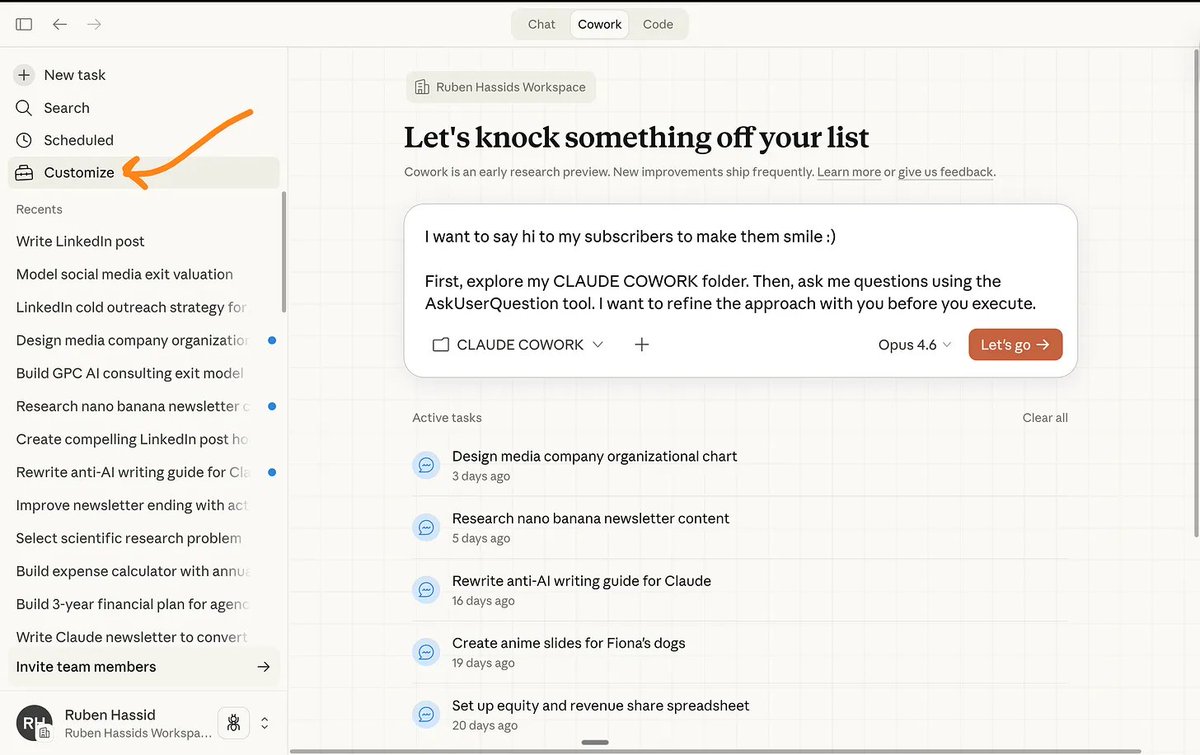
“I want to [TASK] to [SUCCESS CRITERIA]. First explore my folder, then use AskUserQuestion to gather context before executing.”
Why it works:
- You provide structure + success criteria
- Claude asks targeted questions
- It executes after alignment
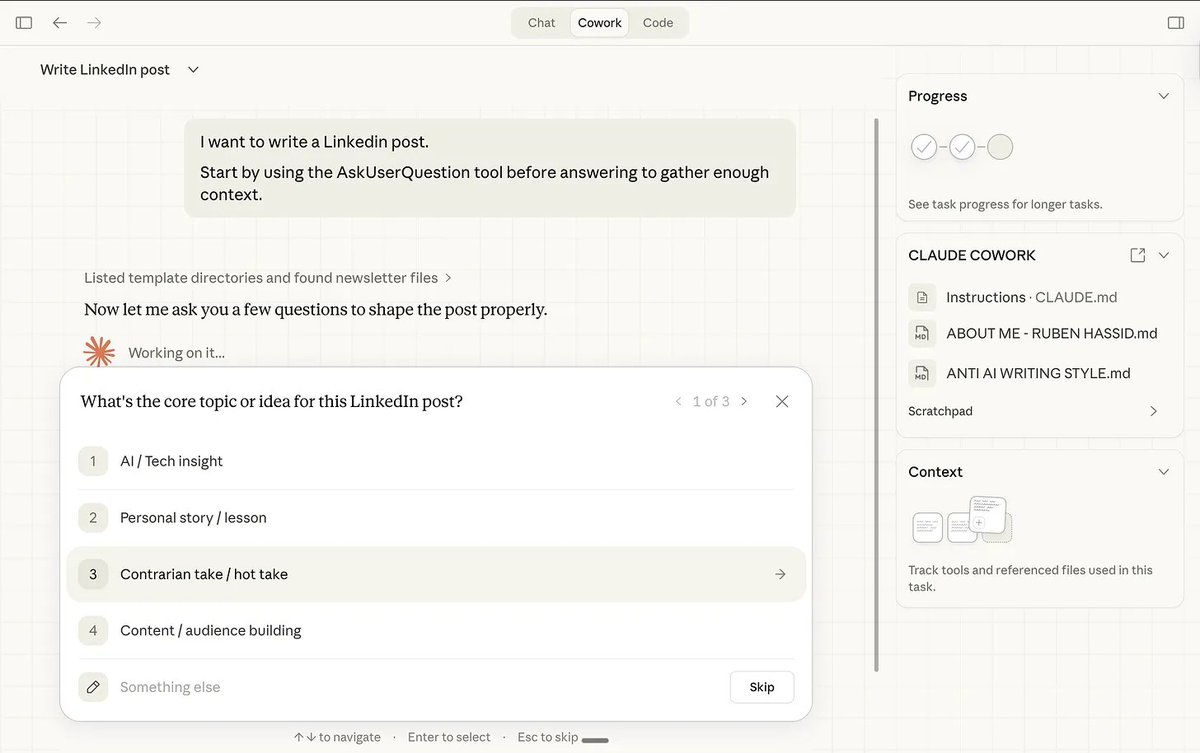
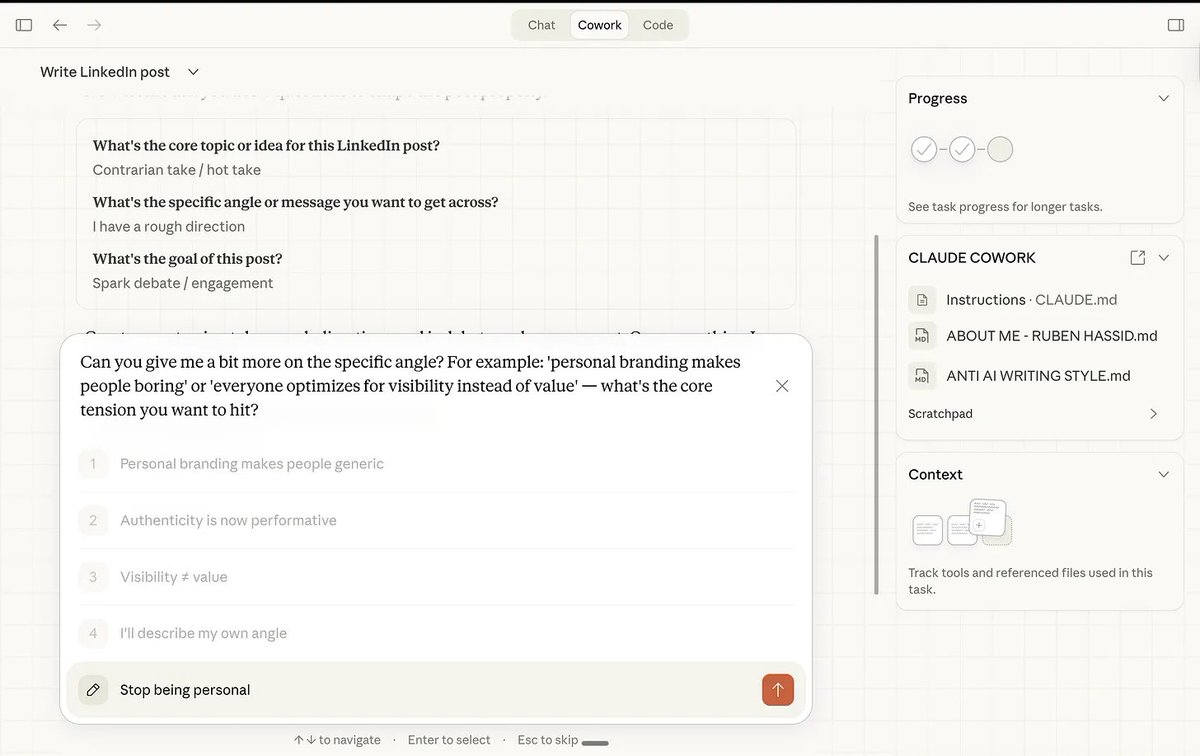
Let Claude Ask You (AskUserQuestion)
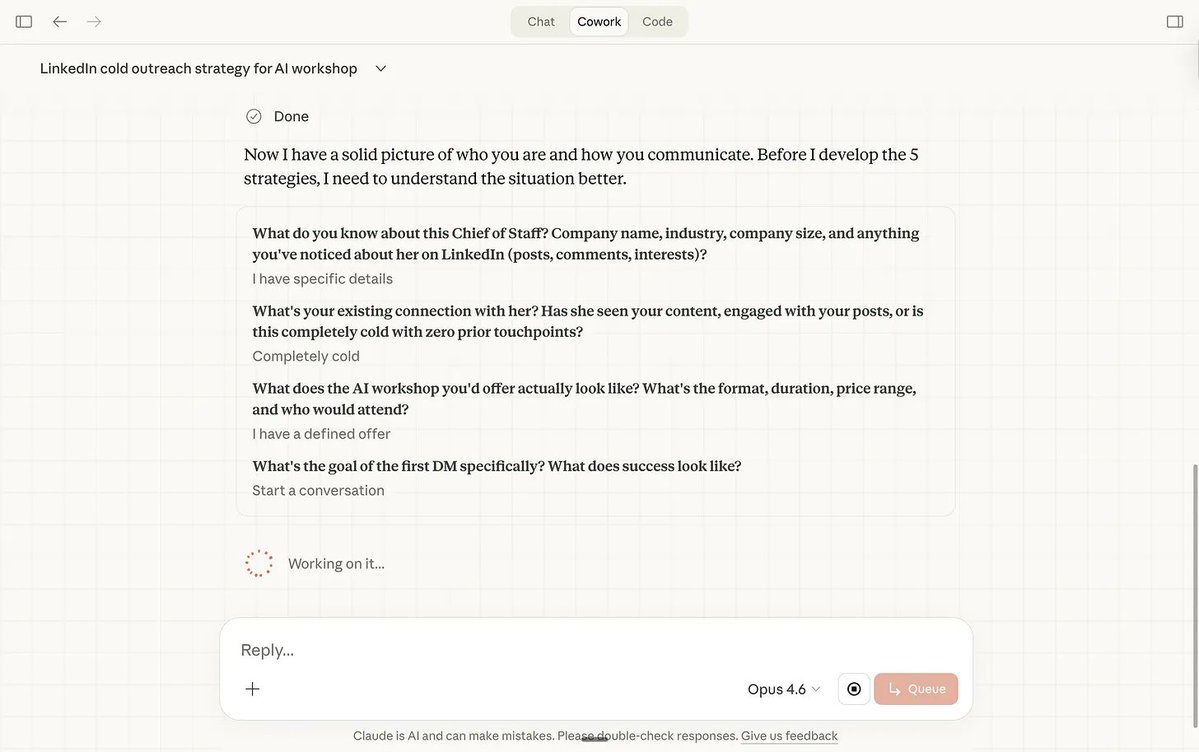
This is a key Cowork behavior:
- Claude generates interactive clarification forms
- You answer quickly with options
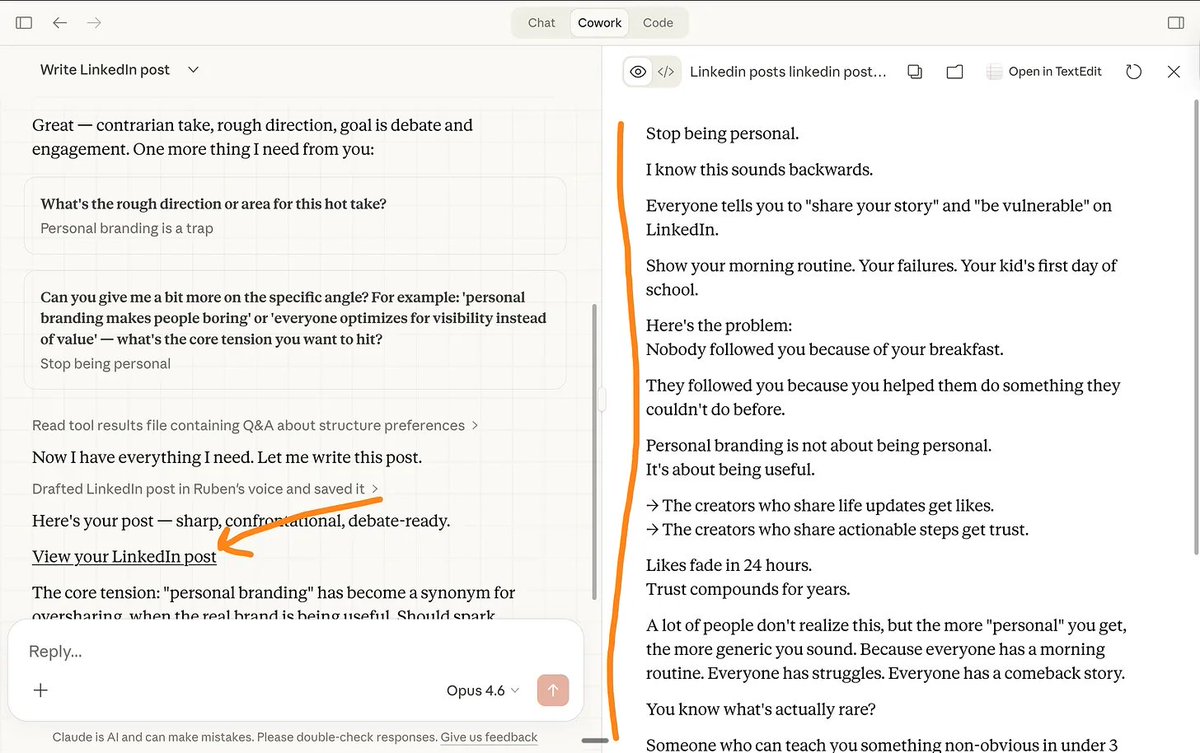
- Claude refines plan and output
This feels less like “prompt wrestling” and more like managing a capable teammate.
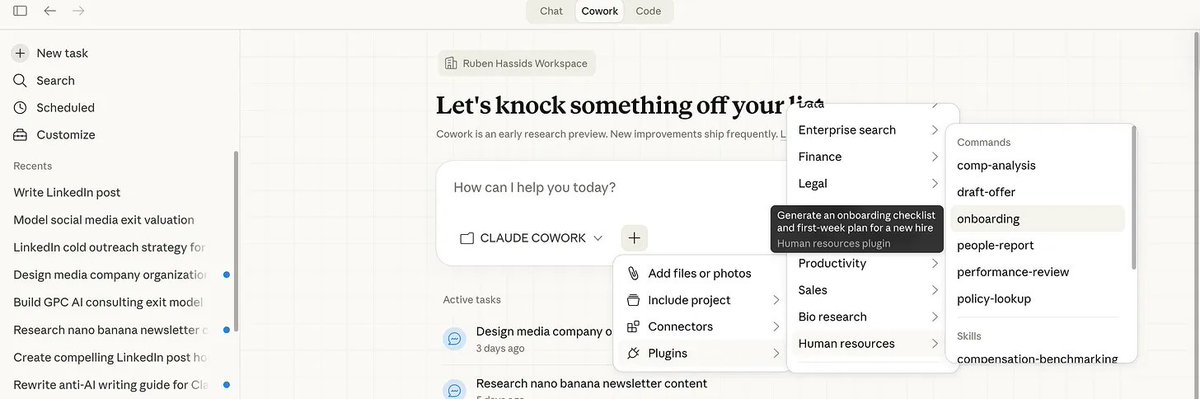
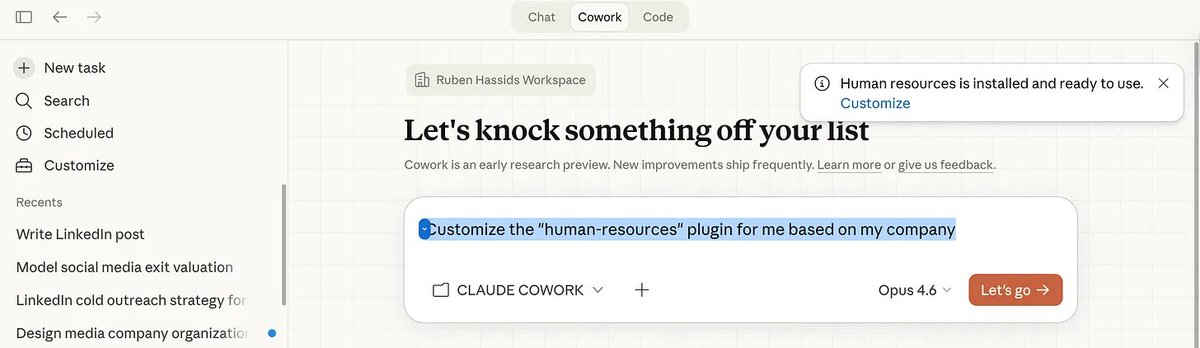
Plugins in Cowork
Install path:
- Open Cowork
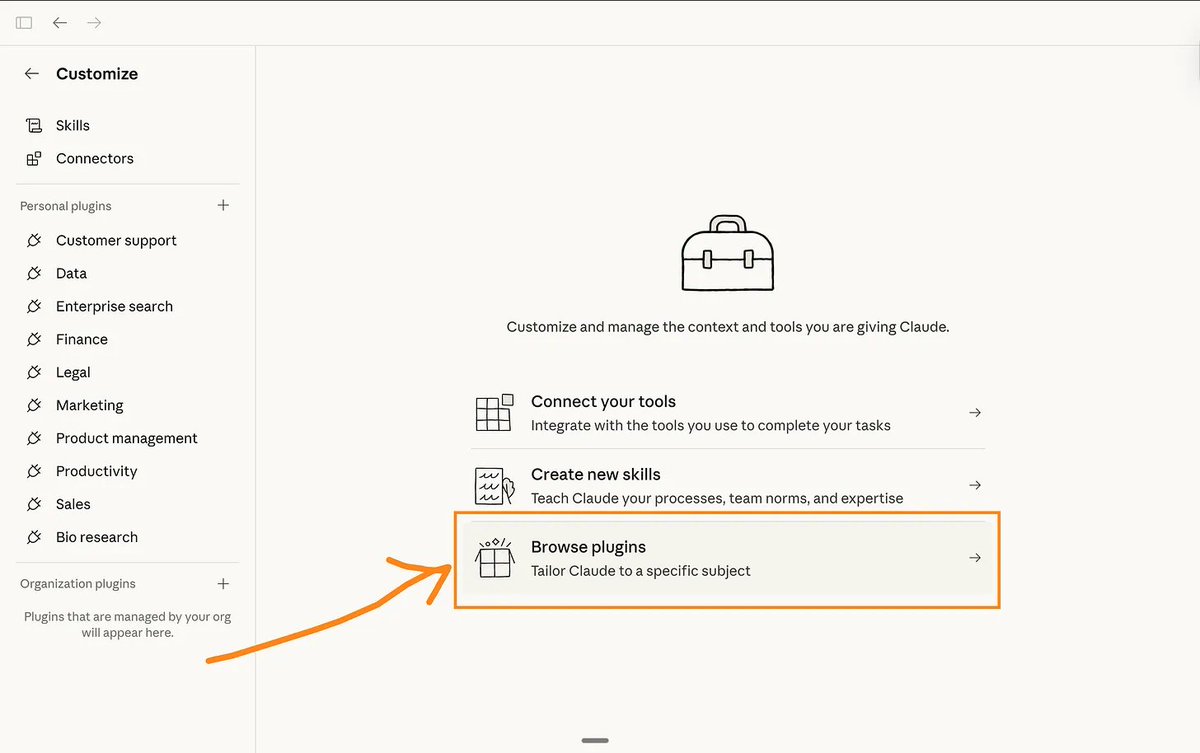
- Click Customize
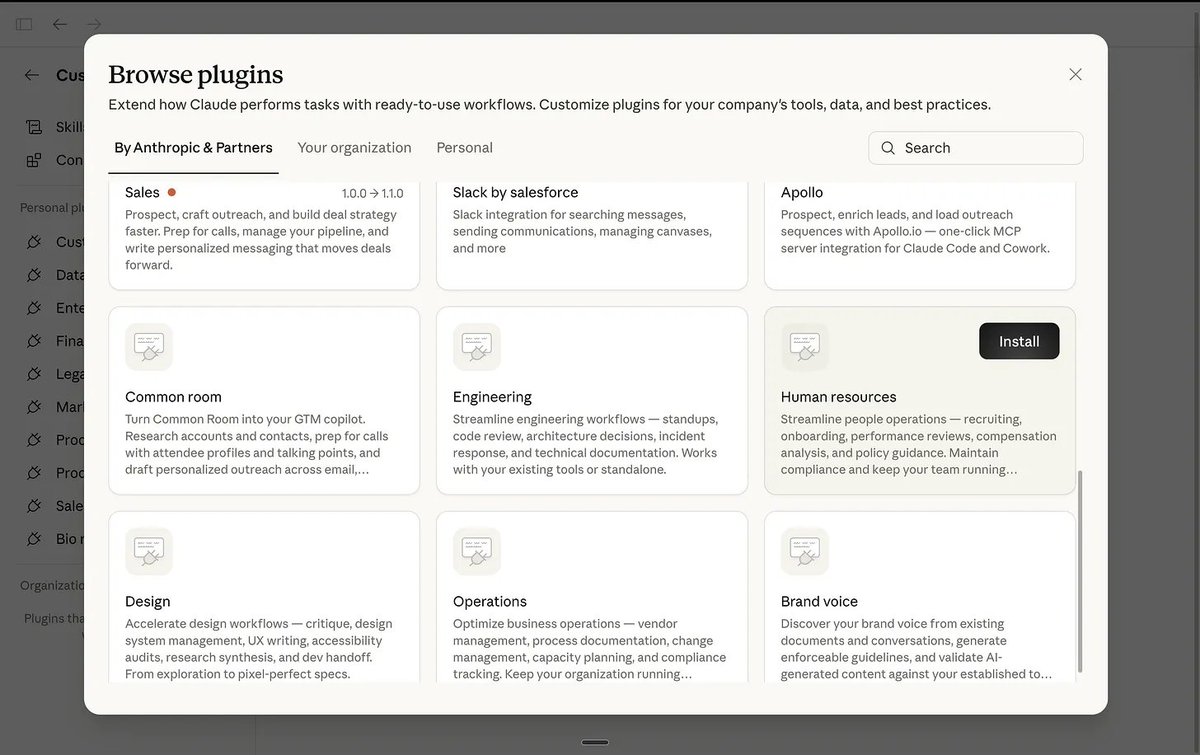
- Browse plugins
- Install
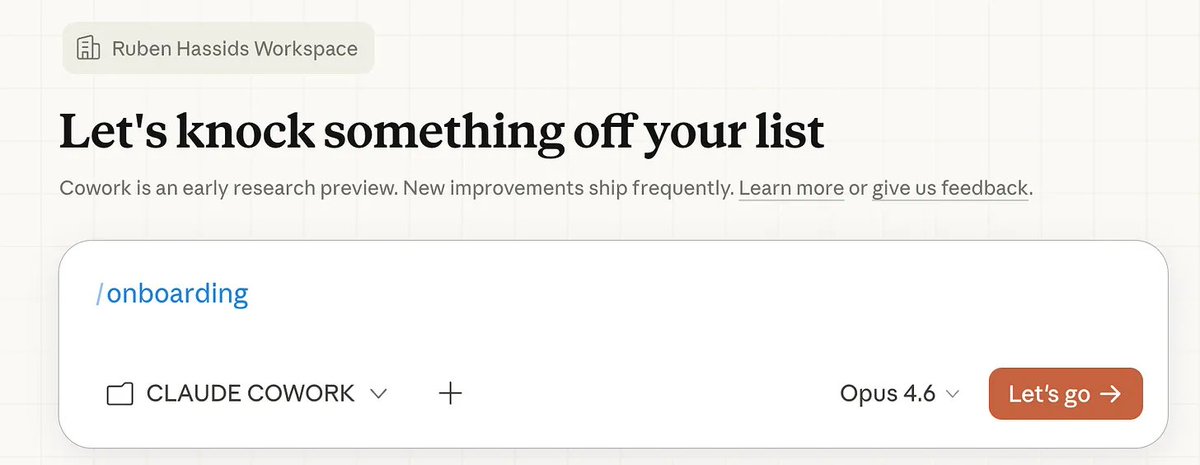
- Type
/to see available plugin commands
Typical plugin use cases mentioned:
- Marketing drafting
- Data exploration
- Legal review
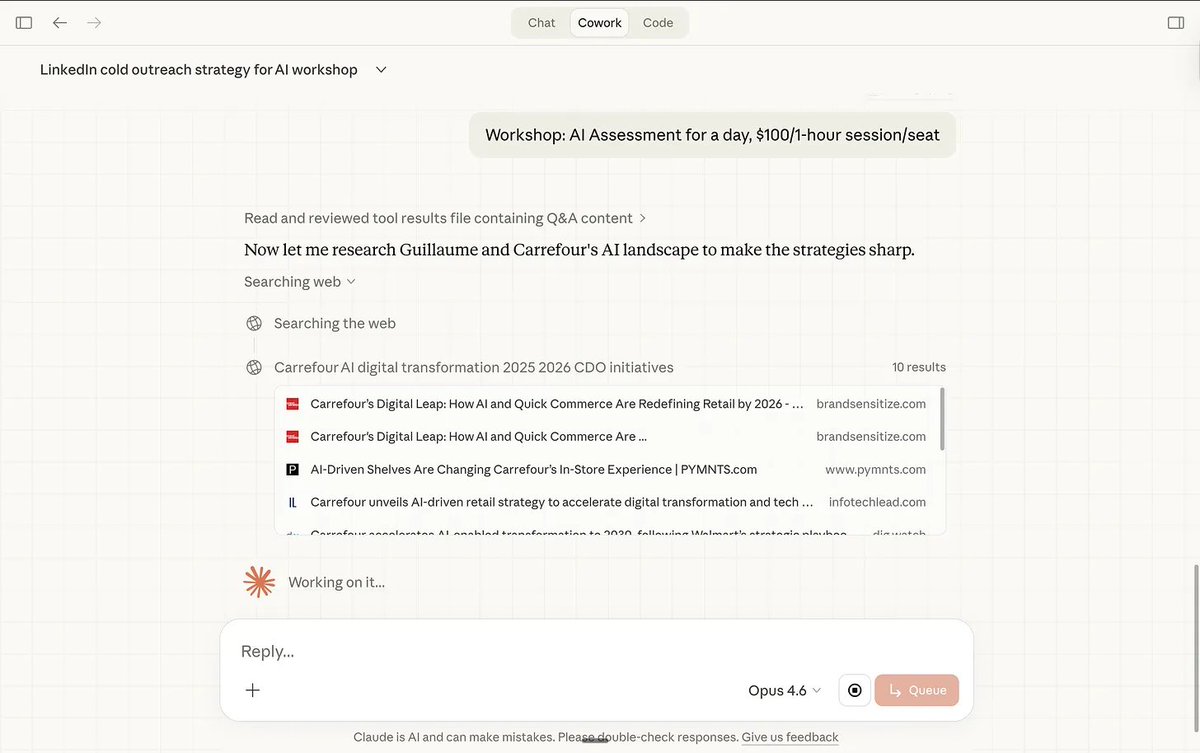
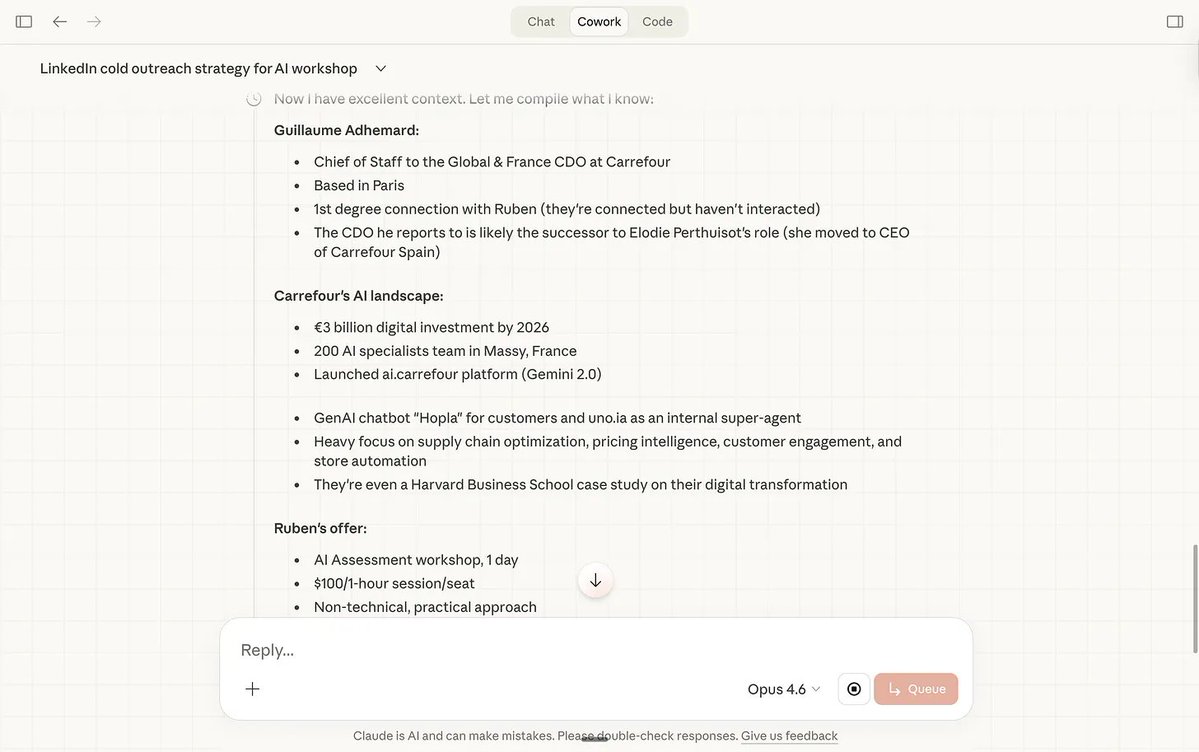
Connectors
Connectors integrate Claude with tools (e.g., Slack, Google Drive, Notion, Figma).
Path:
Settings → Connectors → Add
After setup, Claude can reference and operate against connected tool data during workflows.
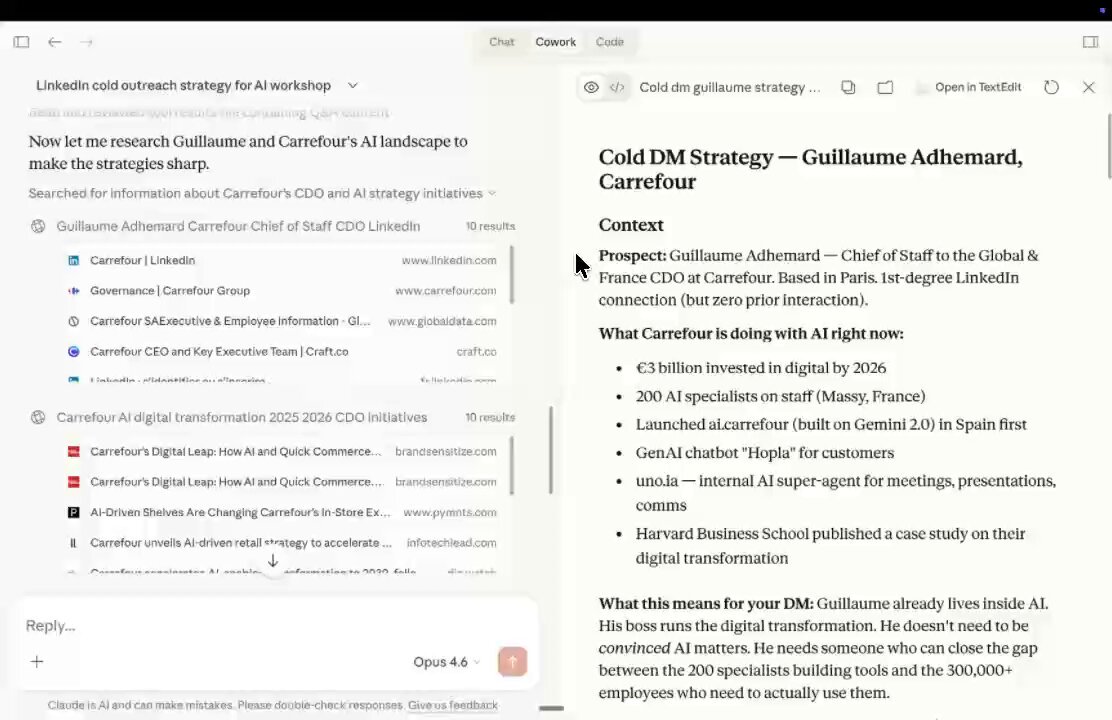
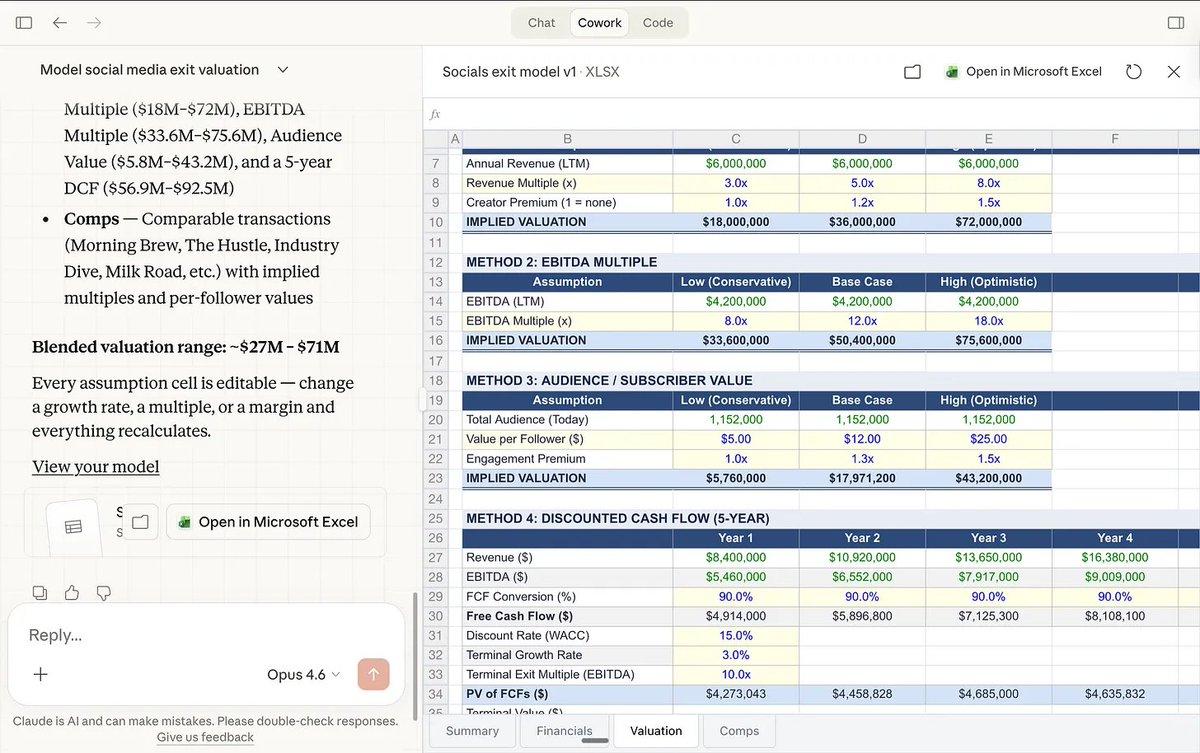
Real Use Cases from the Article
- Newsletter writing (with style files + references)
- Consulting deliverables (brief + templates + past work)
- Competitive research (multi-document synthesis)
- Automated weekly briefings (scheduled plugin-driven workflow)
Limitations (Important)
The original article highlights these tradeoffs:
- Heavy usage can consume quota fast
- Still preview-quality behavior; mistakes happen
- Desktop app must stay open for long-running sessions
- Not ideal for quick trivial Q&A
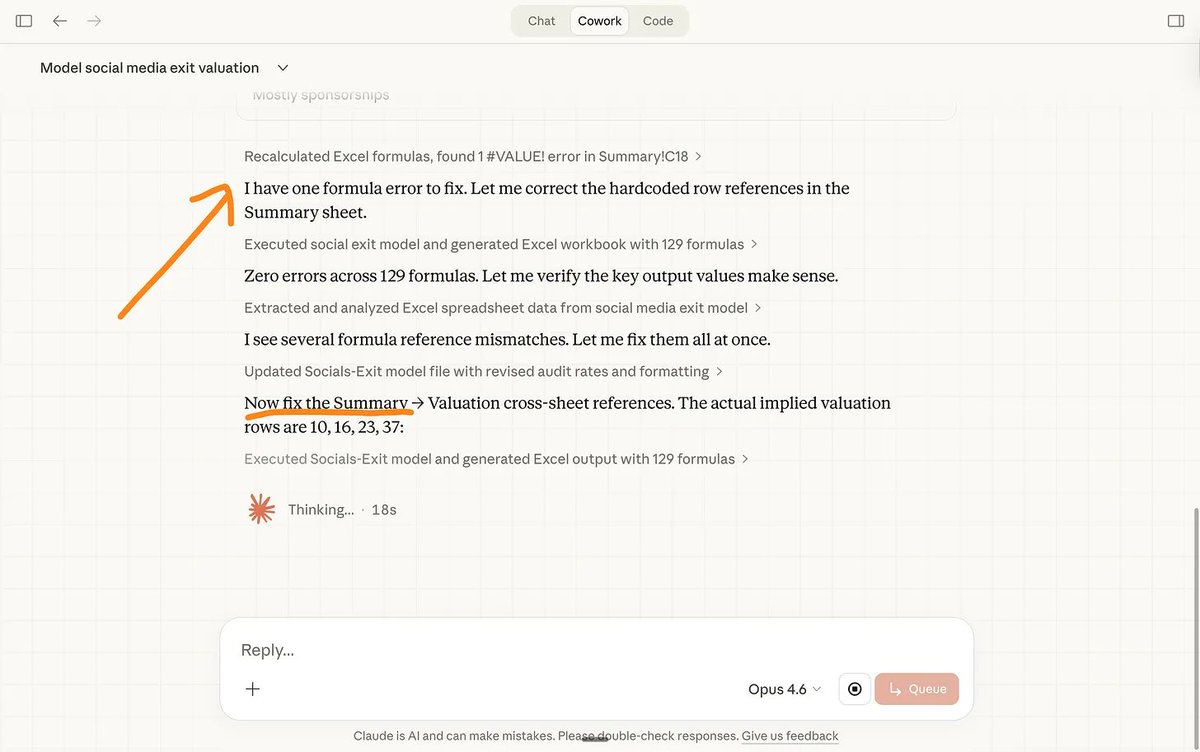
- Multi-agent runs can occasionally drift
30-Minute Starter Plan
- 0–5 min: install app + open Cowork
- 5–10 min: create 4-folder structure + first
about-me.md - 10–15 min: start first Cowork task with AskUserQuestion
- 15–20 min: install one relevant plugin
- 20–30 min: create a real deliverable for this week
Full Visual Gallery (All Extracted Images)
Attribution
- Original post: https://x.com/rubenhassid/status/2029514946640322593
- Author: Ruben Hassid (@rubenhassid)
If you are the original creator and want edits/removal/credit changes, contact ClawList and we’ll update immediately.
Tags
Related Articles
Vercel's React Best Practices as Reusable Skill
Vercel distilled 10 years of React expertise into a skill, demonstrating how organizations should package internal best practices as reusable AI agent skills.
AI-Powered Product Marketing with Video and Social Media
Guide on using AI to create product advertisement videos, user testimonials, and product images for social media marketing campaigns.
Engineering Better AI Agent Prompts with Software Design Principles
Author shares approach to writing clean, modular AI agent code by incorporating software engineering principles from classic literature into prompt engineering.